TL;DR

BIMI is a standard that lets your official company logo appear next to your emails in supported inboxes. It works only when your domain is properly authenticated with SPF, DKIM and DMARC, and some businesses also need a Verified Mark Certificate or Common Mark Certificate. In short, it helps your emails look more trustworthy and instantly recognisable.
What Is BIMI? A Simple Explanation
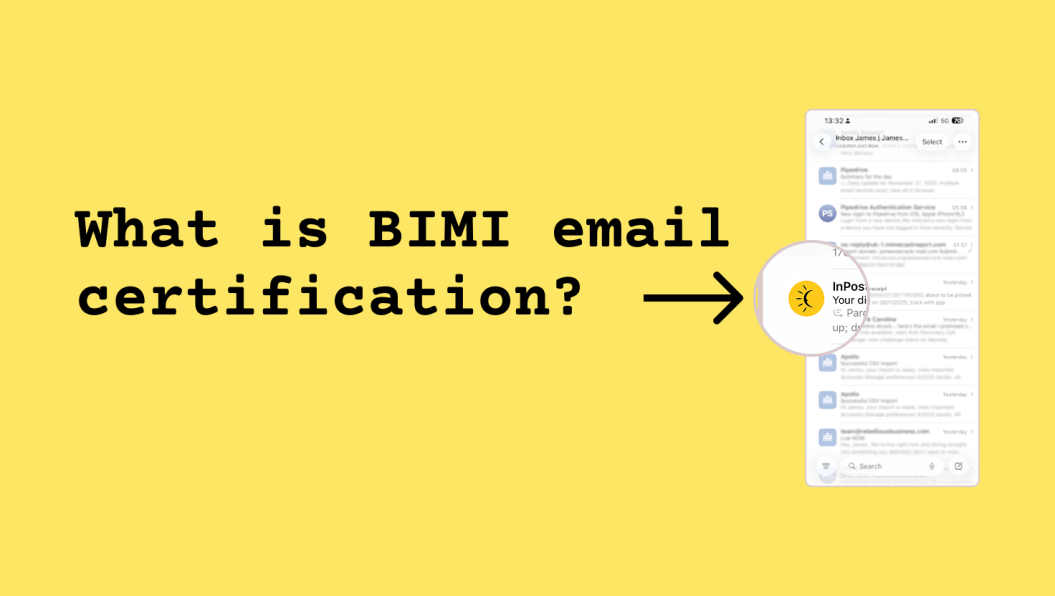
BIMI (Brand Indicators for Message Identification) is a way for your official company logo to appear next to your emails in supported inboxes. It’s designed to help genuine businesses stand out while making it harder for scammers to impersonate you.
If you’ve ever noticed a logo showing next to an email from a big brand and wondered how they did it, this is how.
BIMI works alongside the authentication you should already have in place, such as SPF, DKIM and DMARC. Once everything is aligned, inbox providers can confidently display your logo because they know the message really came from you.
Why BIMI Exists
Email has always had one big problem: it’s easy for someone to pretend to be you. BIMI was introduced as part of a wider push to clean up email and make it easier for inbox providers to trust legitimate senders.
By proving your identity and meeting specific requirements, you earn the right to display your brand logo in the inbox — giving receivers a clear visual cue that your message is genuine.
How BIMI Works (in normal English)
Behind the scenes, BIMI is simply a record you publish on your domain that:
- Points to a special version of your logo
- Tells mailbox providers that your emails are fully authenticated
- Confirms you meet the security requirements to display that logo
Some businesses will also need a Verified Mark Certificate (VMC), which is essentially a digital certificate proving that the logo is legally yours. Others can use a Common Mark Certificate (CMC), which doesn’t require a trademark.
Once everything is in place, supported inboxes (like Apple Mail and Yahoo Mail) will show your logo automatically.
Why BIMI Helps Your Business
BIMI gives you:
1. Instant credibility
A logo next to your email helps people recognise you straight away.
2. Better trust
Clients and prospects are more likely to open emails when they can clearly see they came from a real business.
3. A small but meaningful edge
Very few businesses have BIMI set up properly, so it helps you stand out among competitors.
4. Improved email hygiene
Because BIMI requires proper SPF, DKIM and DMARC, it naturally improves your email security and reduces spoofing.
What You Need to Use BIMI
To qualify for BIMI, your domain must have:
✅ SPF set up correctly
✅ DKIM signing your messages
✅ DMARC at enforcement (quarantine or reject)
✅ A BIMI record pointing to your logo
✅ A VMC or CMC (depending on whether your logo is trademarked)
None of this is complicated on its own, but getting it all aligned correctly can be a bit fiddly.
Does BIMI Work Everywhere?
Not yet. At the time of writing, BIMI is supported by:
- Apple Mail
- Yahoo Mail
- Fastmail
- Several large corporate providers
Gmail supports BIMI only when a VMC is in place, this also means that it shows the blue tick next to the email.
Other providers are gradually catching up.
Even when everything is perfect, your logo won’t show every single time - inbox providers still make per-email decisions based on trust signals. That’s normal.
For a deeper dive into logo visibility and mailbox provider behaviour, see why your BIMI logo sometimes appears and sometimes doesn’t.
In Summary
- BIMI is a standard that lets your logo appear alongside your emails
- It boosts trust, credibility and brand recognition
- It requires strong email authentication
- Some businesses need a certificate (VMC), others can use CMC
- It’s one of the simplest ways to make your emails look more professional
So what can you do about it?
Here are a few practical steps to keep BIMI as consistent as possible:
1. Make sure all email platforms use the same domain
If your CRM, invoicing tool and newsletter platform each use different subdomains, align them.
2. Use a single DKIM selector across platforms where possible
This avoids mismatches and expired keys.
3. Keep DMARC at enforcement
Do not relax the policy. BIMI relies on it.
4. Maintain a clean sending reputation
Low complaint rates, authenticated sending and steady volume all help.
5. Accept that mailbox providers have the final say
Even with perfect setup, you will still see the occasional email without a logo. It is normal.